Recorrido visual
Pantallas del producto CatalogIQOS
Explora flujos completos con datos musicales ficticios y curados para demostrar resultados reales del producto.
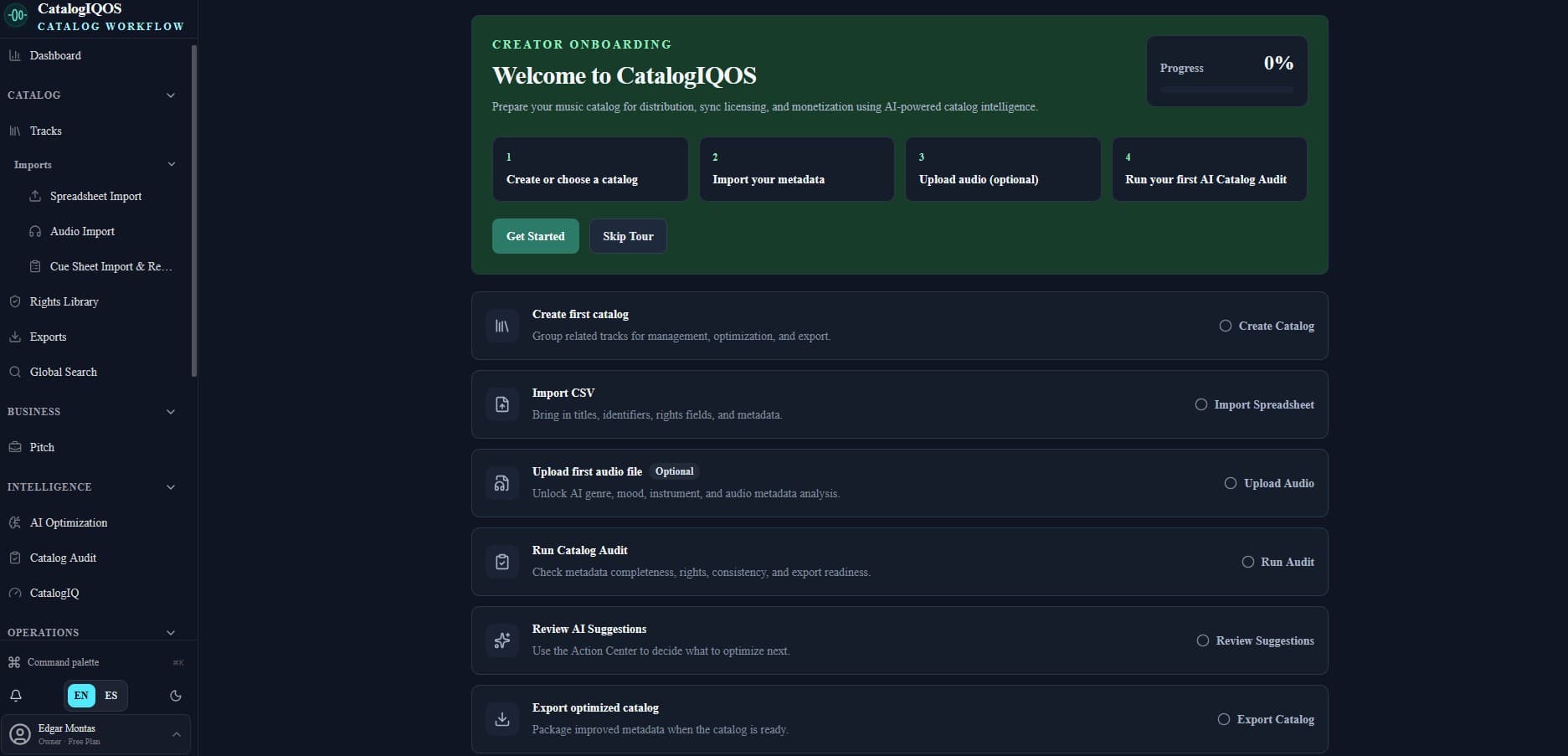
01Sigue una configuración guiada desde la creación de tu primer catálogo hasta la importación de metadatos, el análisis de audio opcional, la auditoría del catálogo y la revisión asistida por IA.
Incorporación de creadores
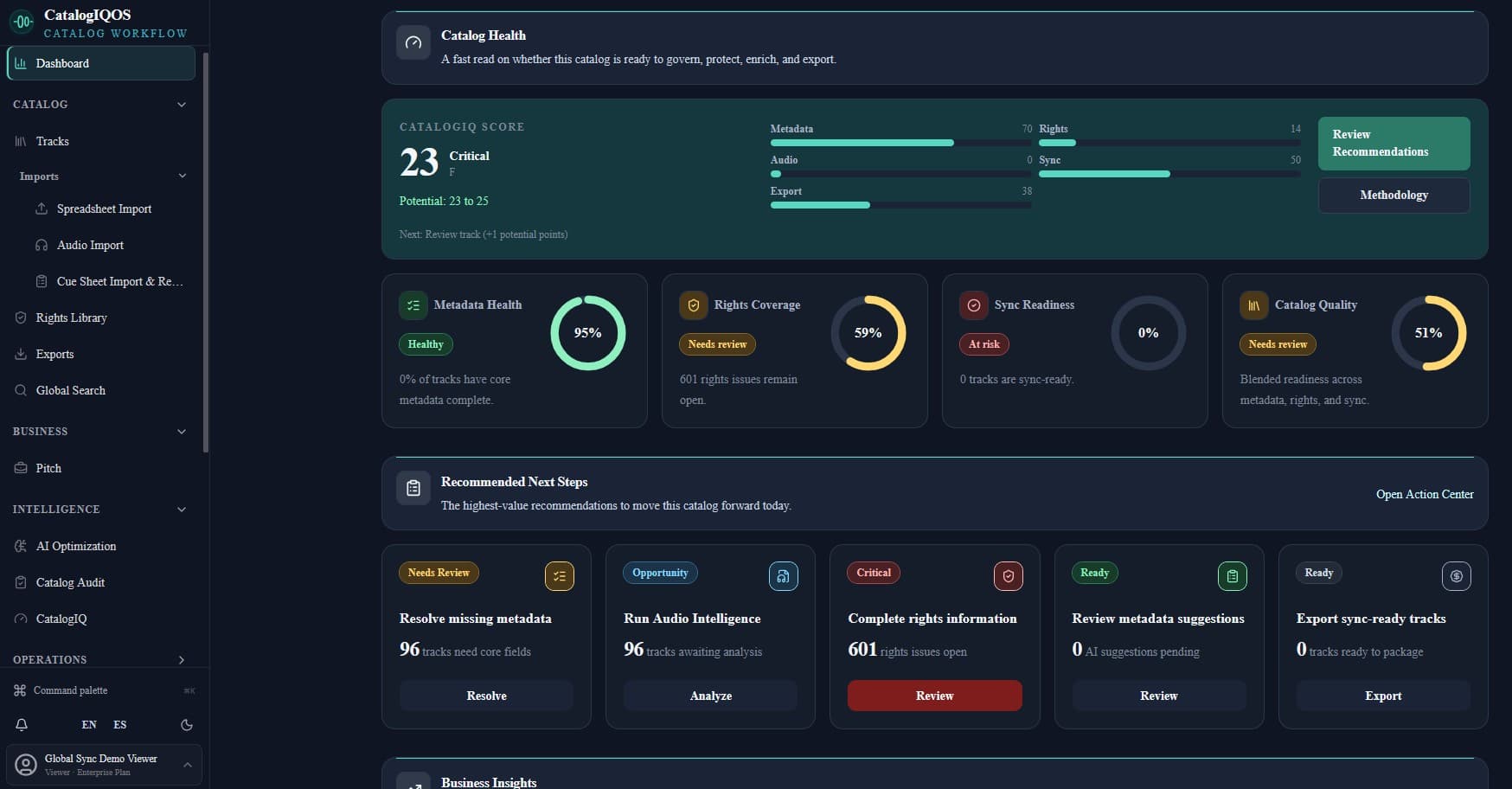
02Consulta la salud, prioridades, preparación de derechos y señales operativas en una sola vista.
Centro de Comando
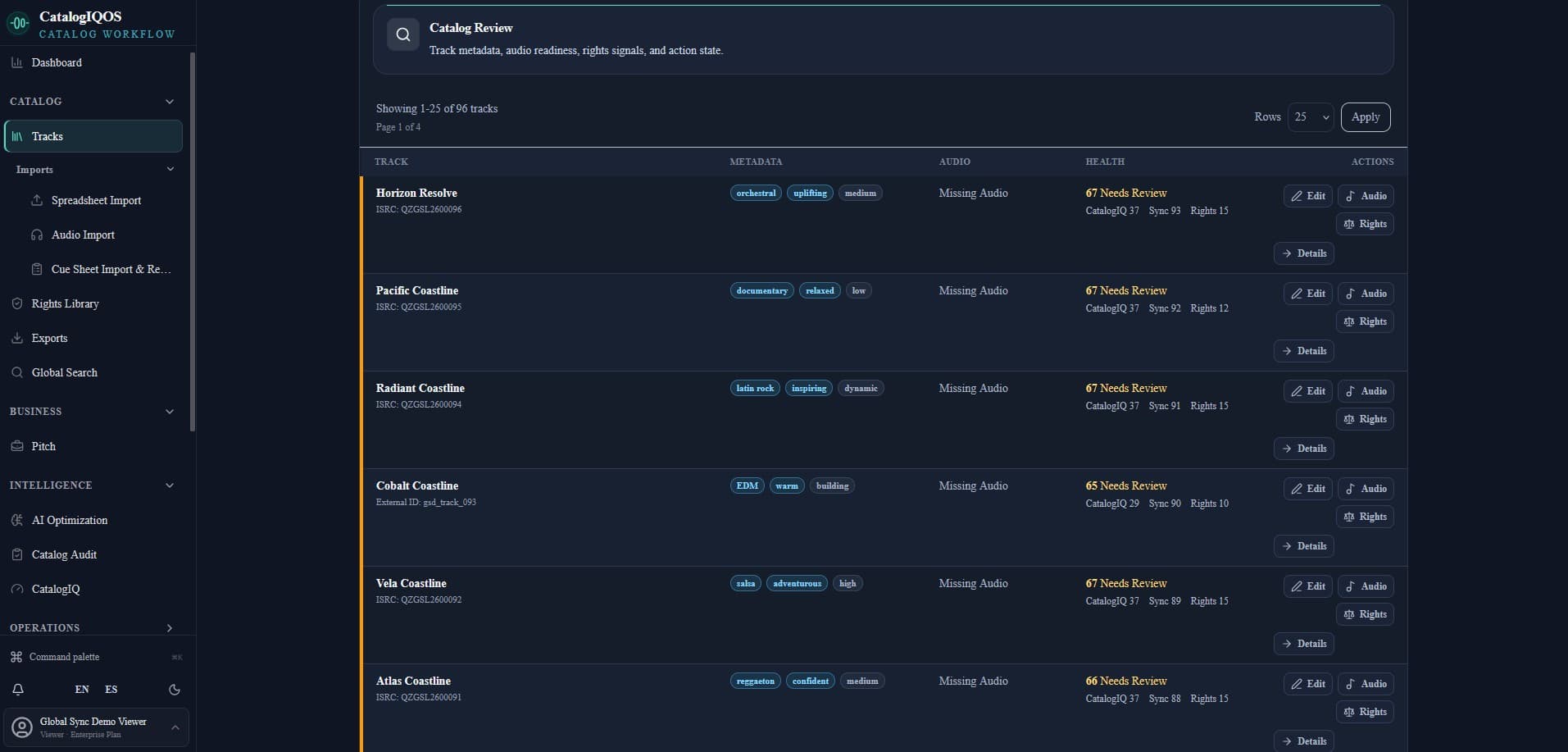
03Revisa metadatos, disponibilidad de audio, señales de derechos, puntuaciones de salud y próximas acciones en todo tu catálogo.
Catálogo de pistas
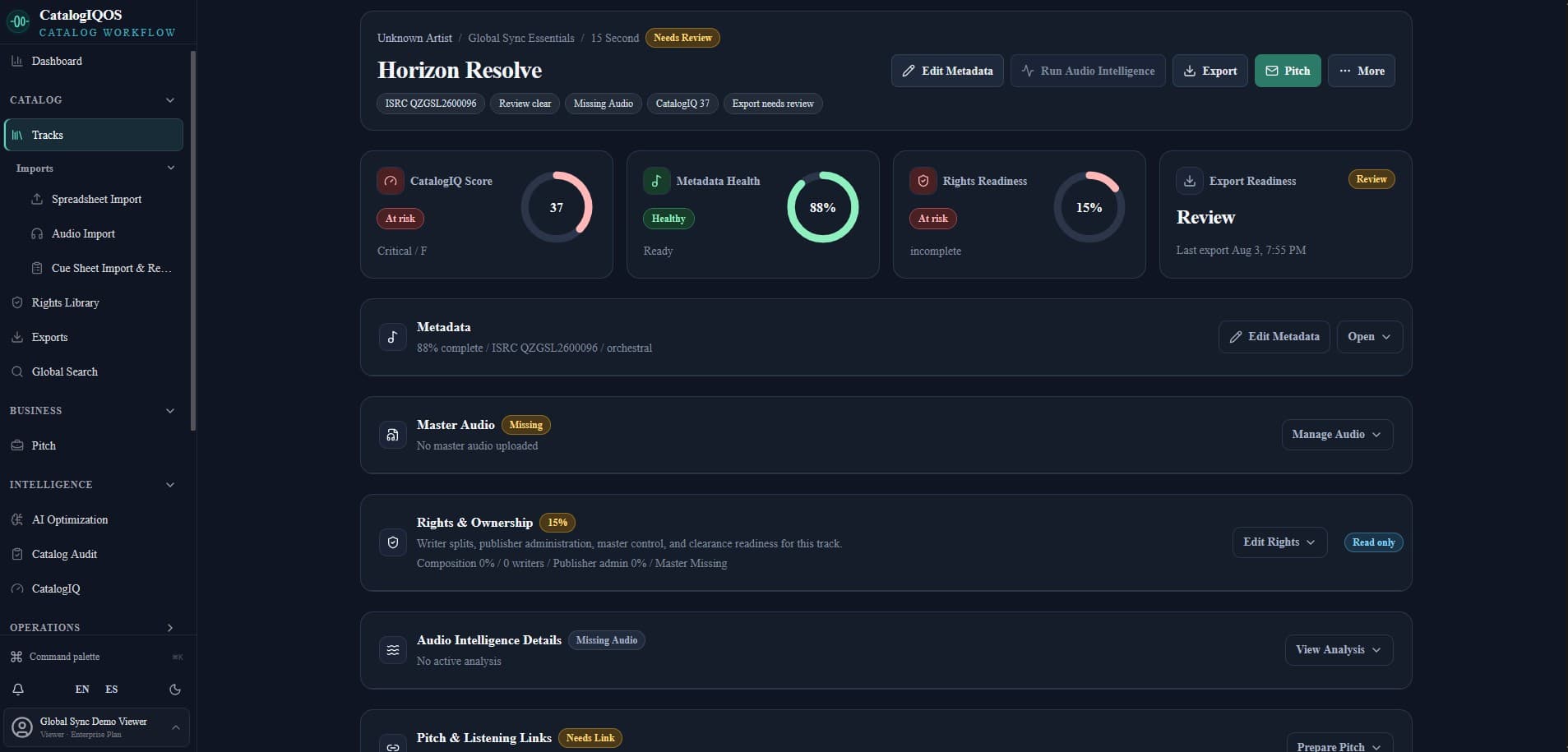
04Reúne metadatos, audio máster, propiedad de derechos, preparación para exportar y herramientas de pitching para cada grabación.
Vista de pista individual
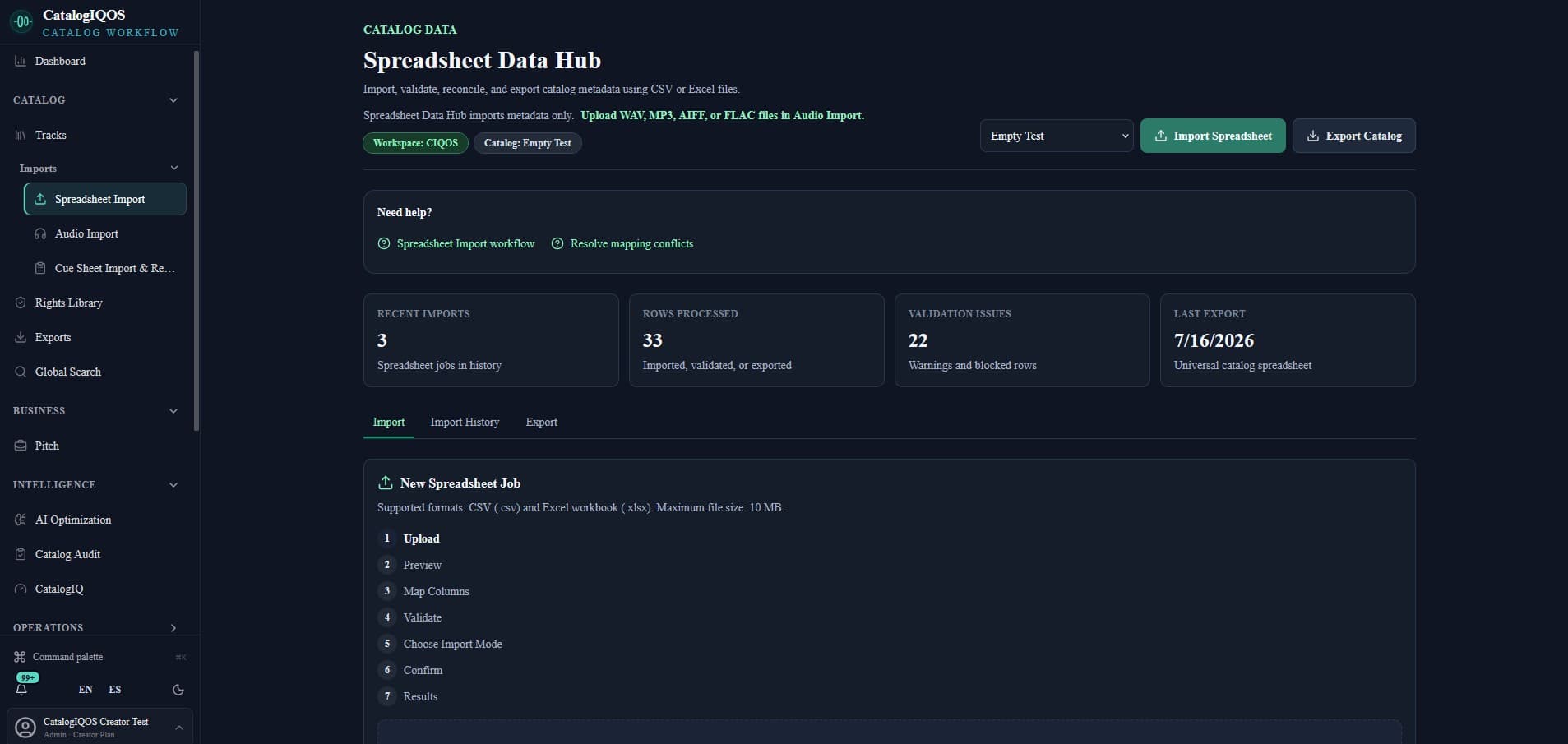
05Convierte filas importadas en un espacio estructurado y listo para validar.
Importación de Hojas
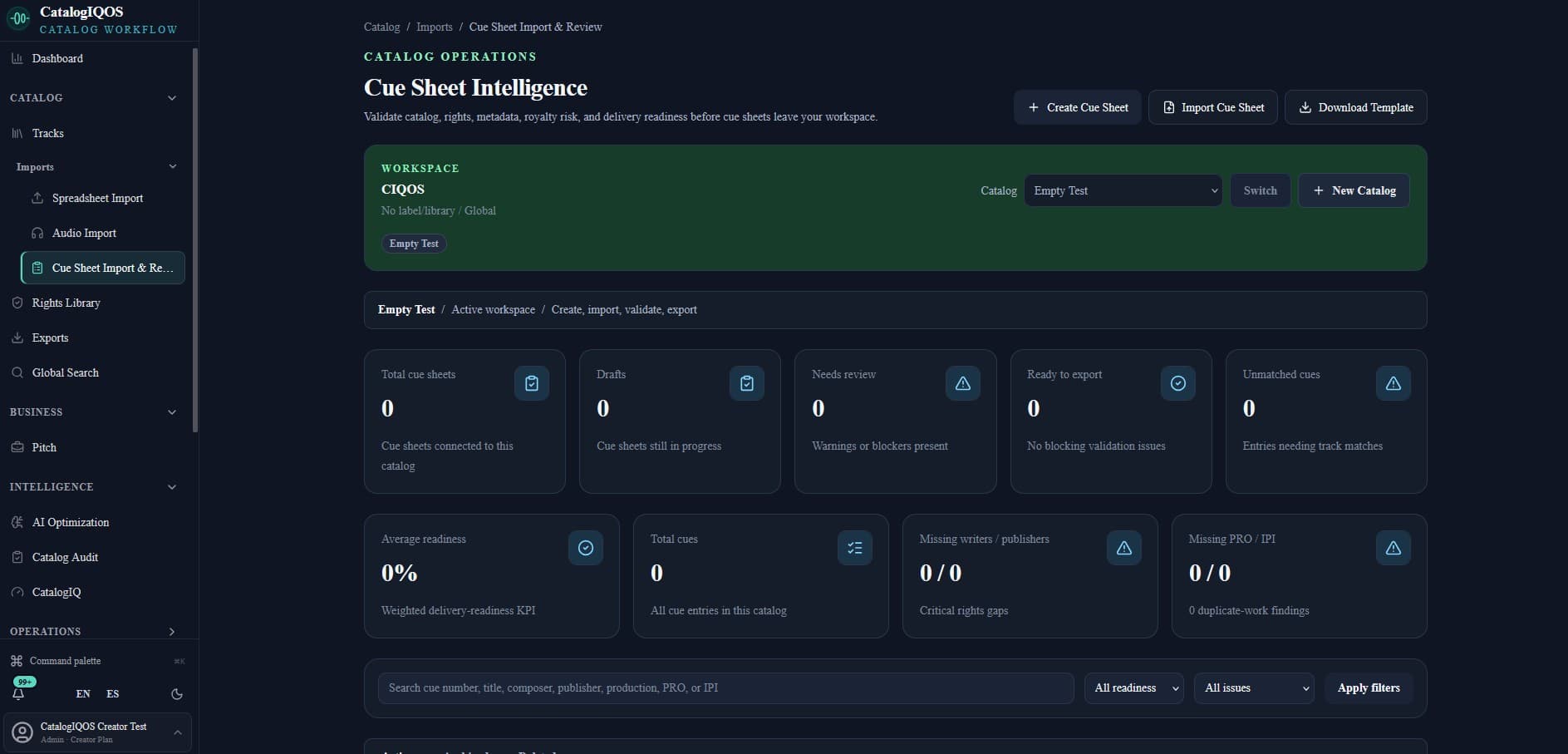
06Crea, importa, valida y supervisa cue sheets mientras detectas cues sin coincidencia, datos de derechos faltantes y bloqueos de entrega.
Centro de cue sheets
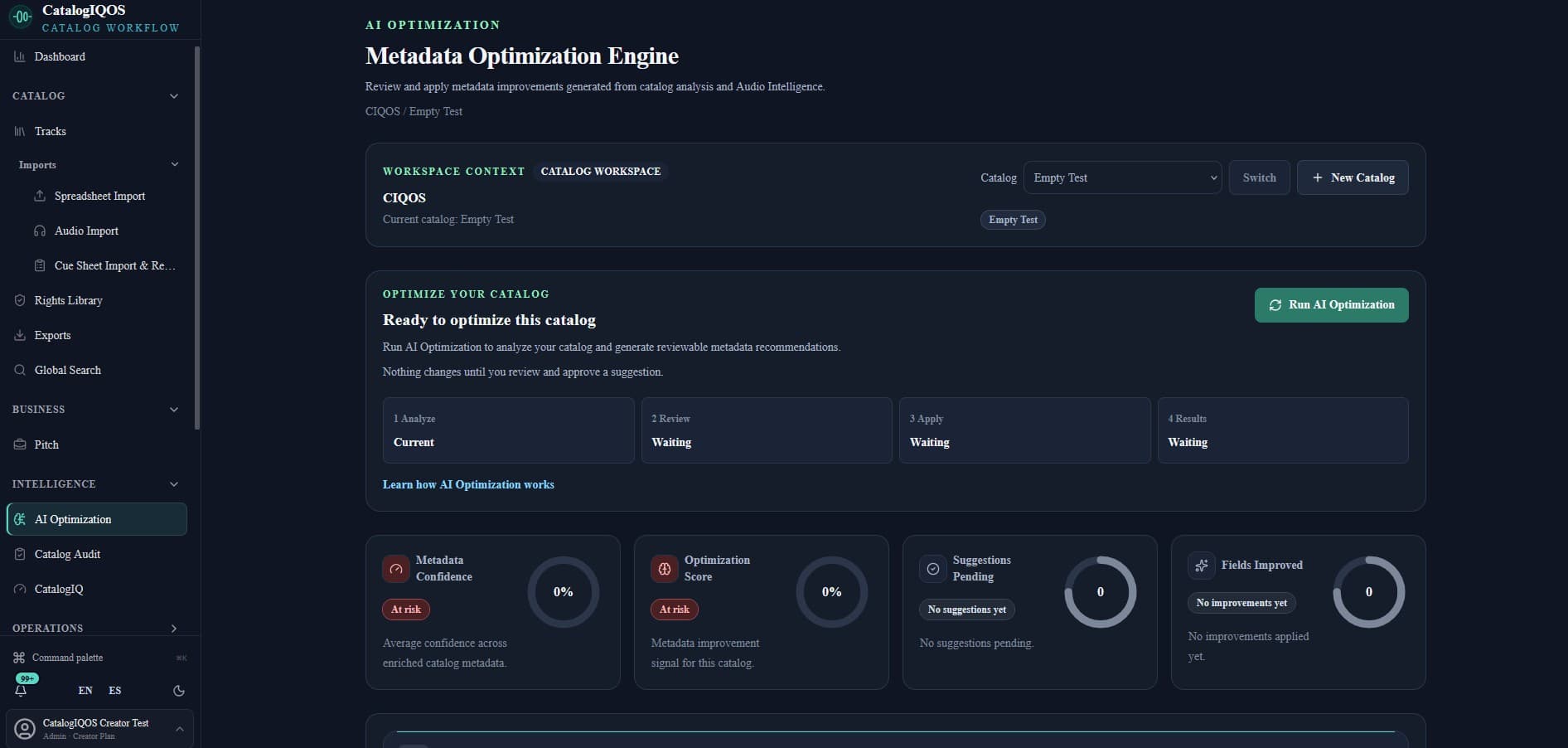
07Prioriza oportunidades asistidas por IA manteniendo la revisión bajo control del equipo.
Optimización con IA
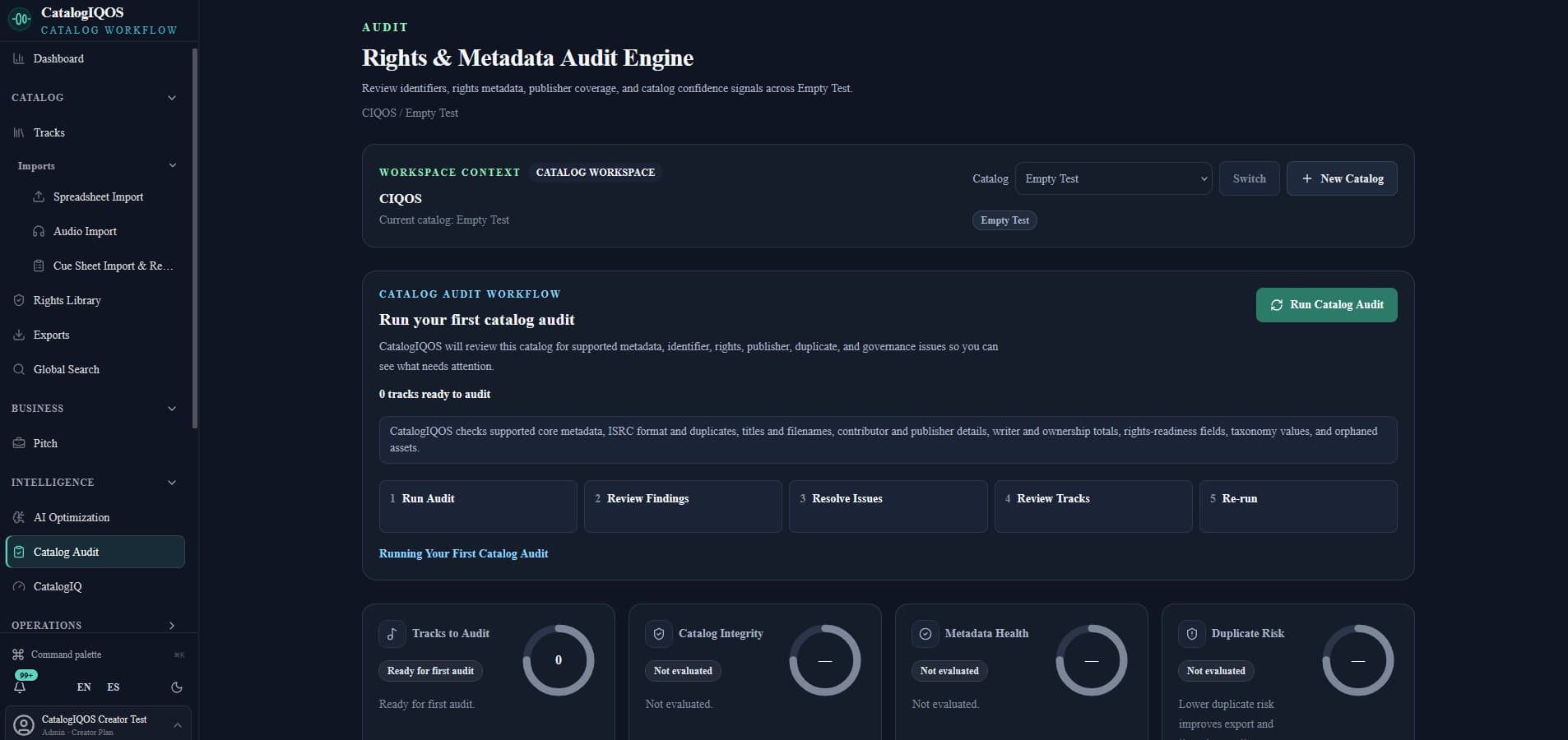
08Analiza identificadores, metadatos, propiedad, cobertura editorial, duplicados y gobernanza para convertir hallazgos en un flujo de corrección priorizado.
Auditoría del catálogo
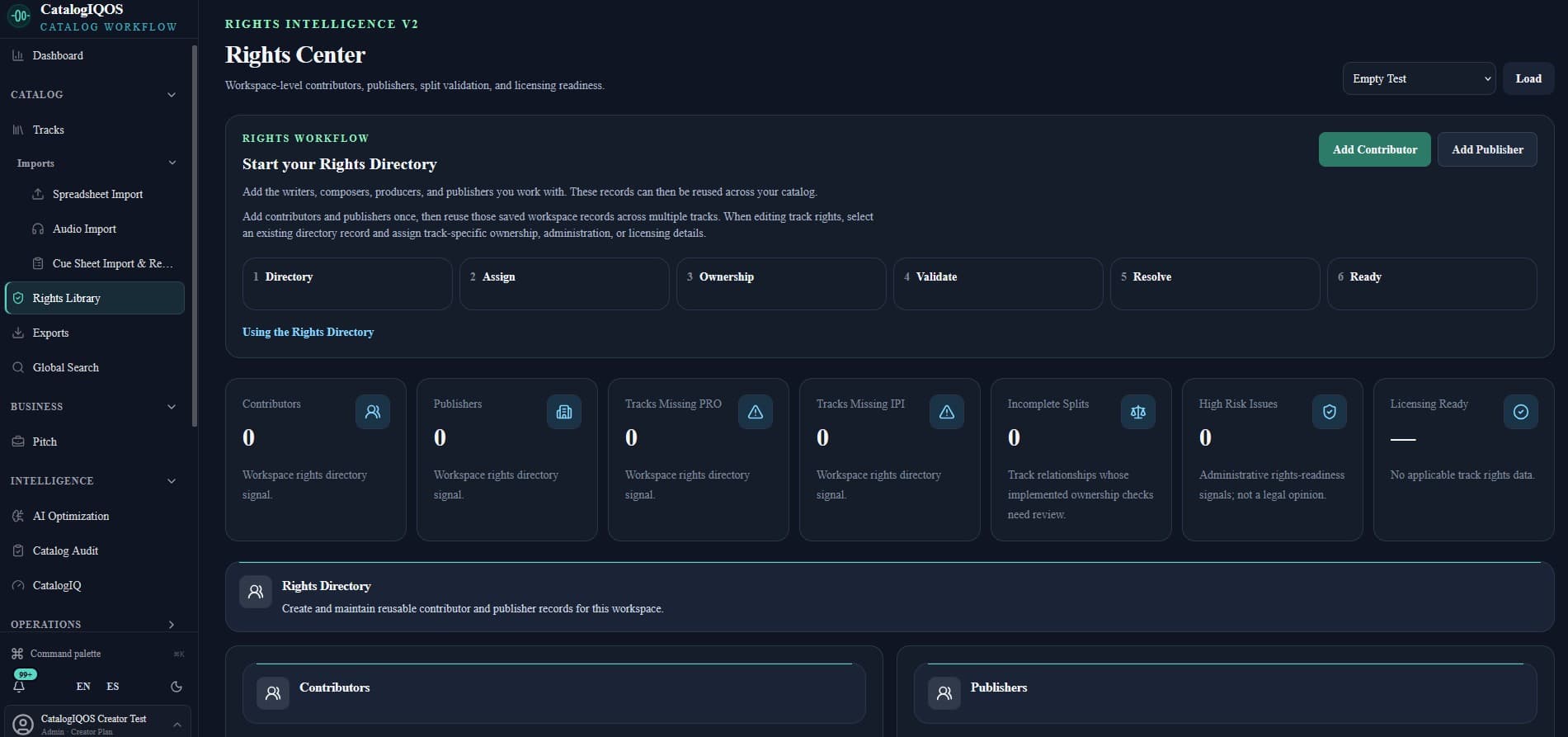
09Detecta brechas de propiedad, detalles de colaboradores y riesgos antes de entregar.
Centro de Derechos
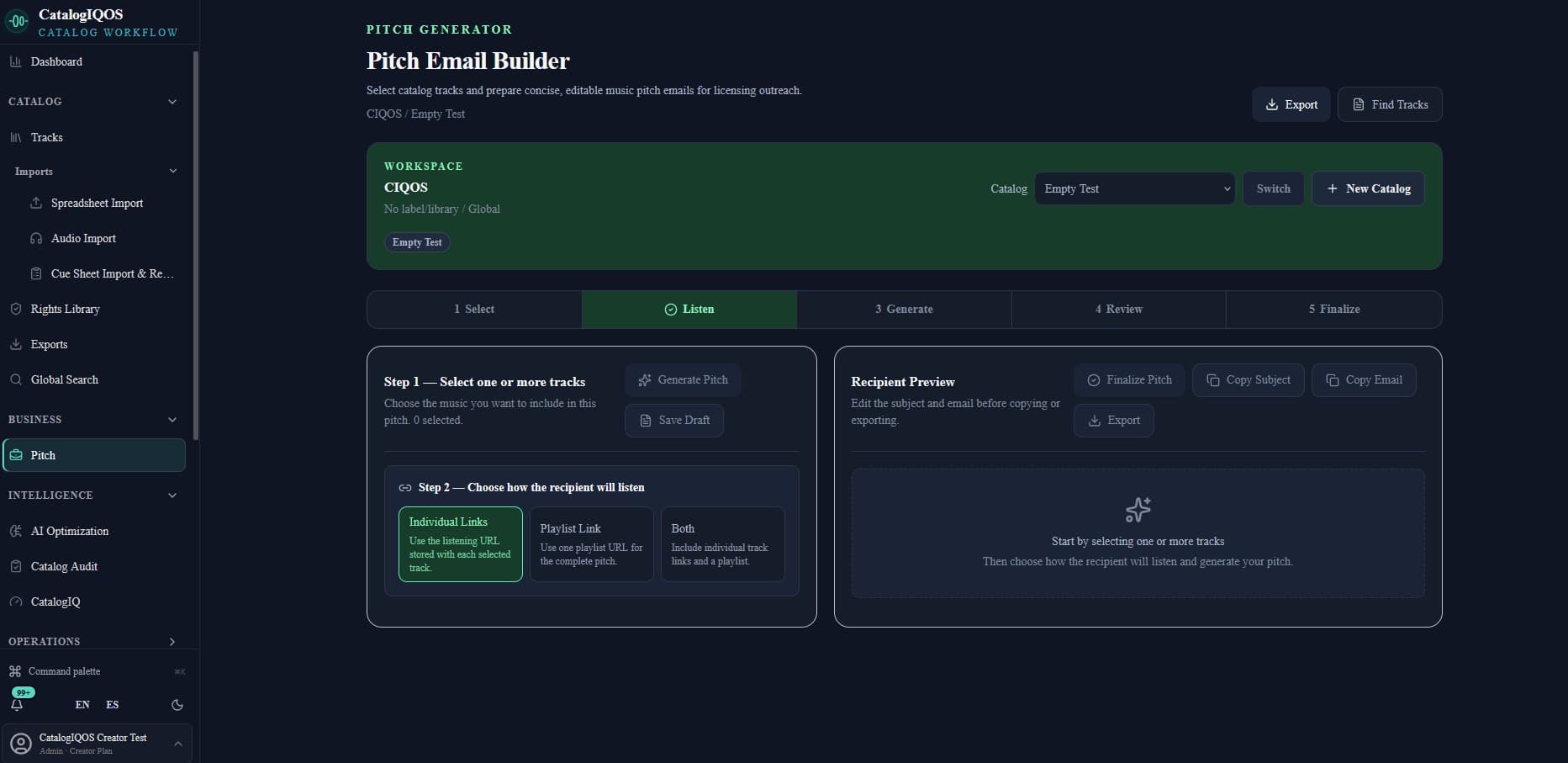
10Selecciona pistas listas para presentar, define cómo escuchará el destinatario y genera un email de licencia editable para revisar antes del envío.
Creador de emails de pitching
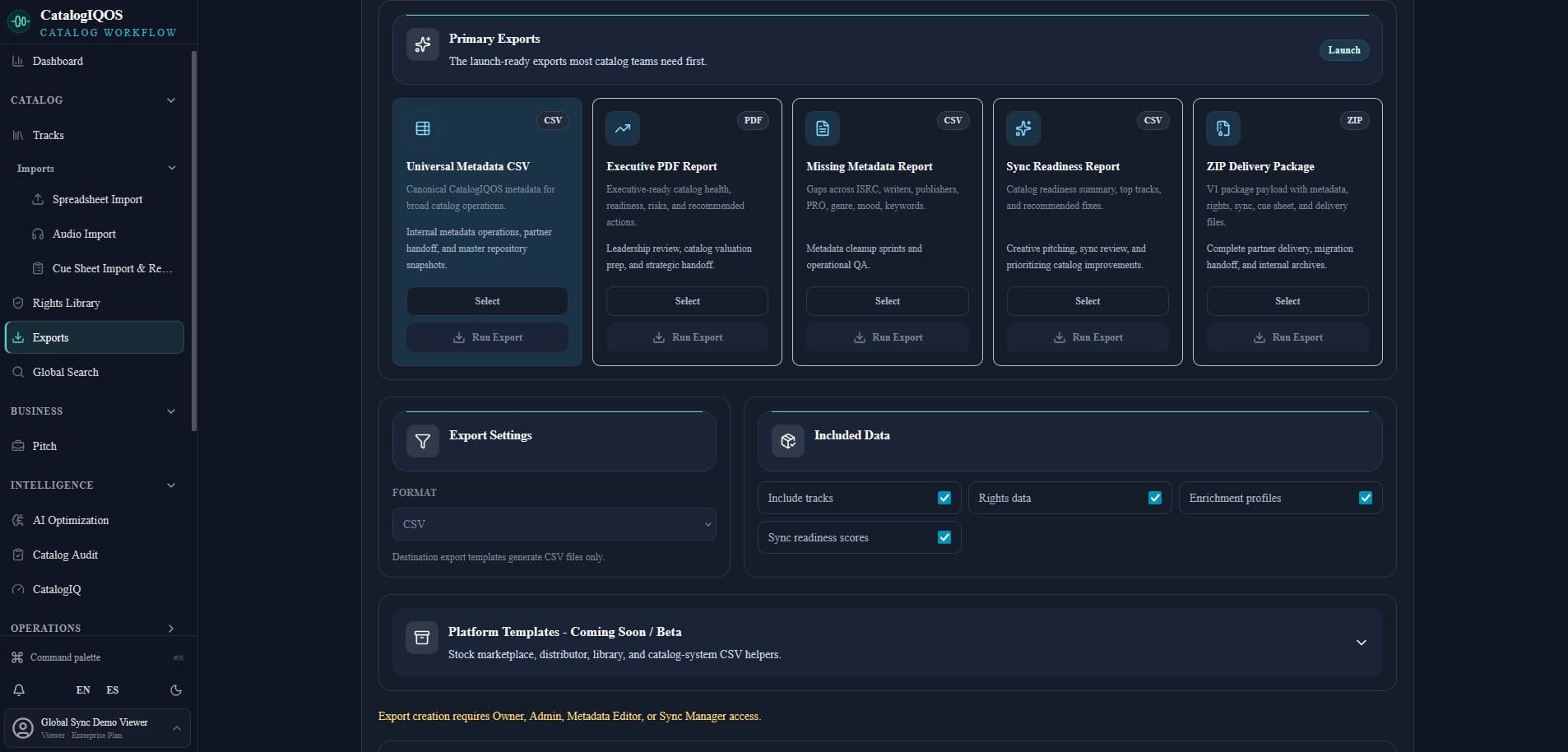
11Prepara registros gobernados para paquetes de entrega consistentes y reutilizables.
Centro de Exportación
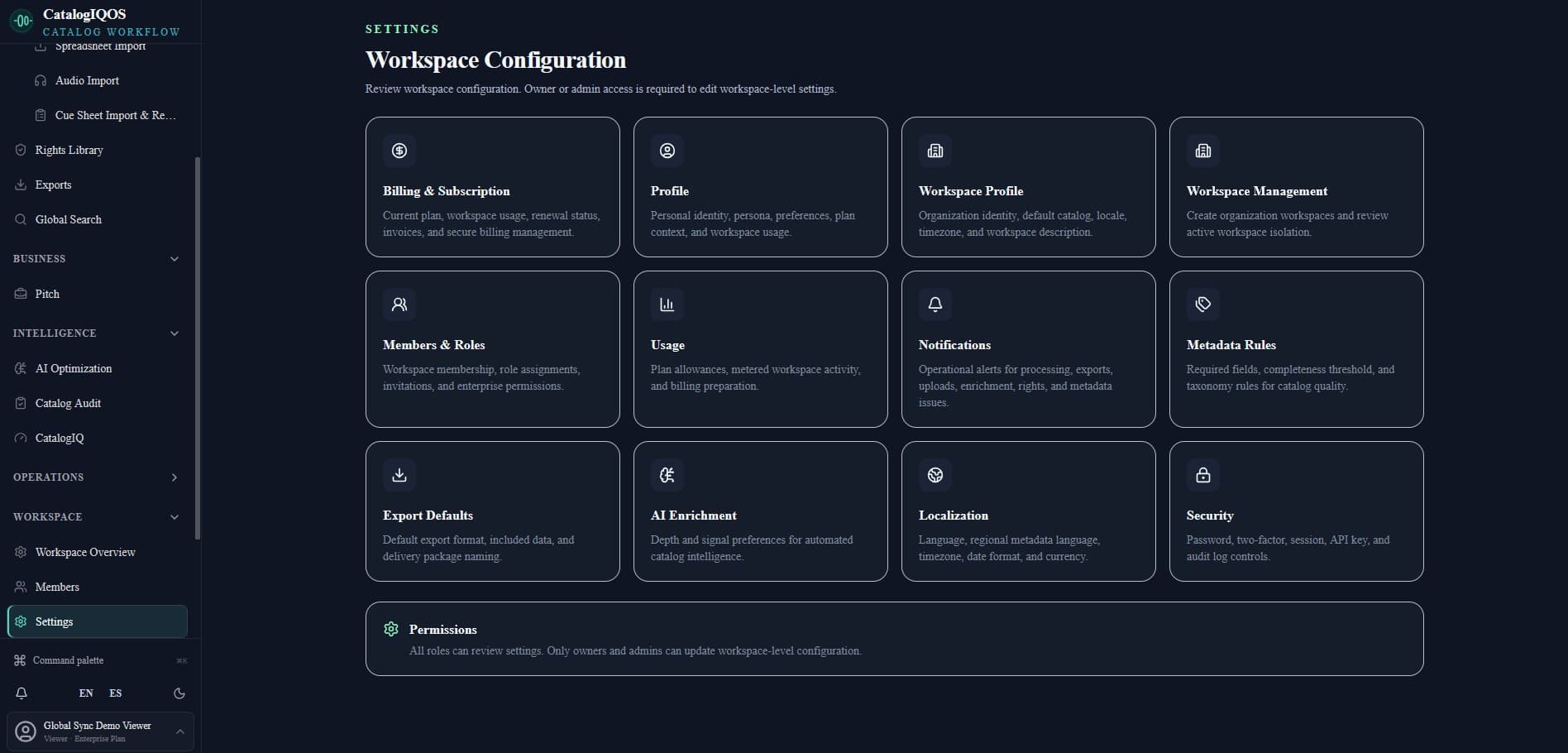
12Configura la identidad, los valores predeterminados y las preferencias operativas de cada equipo.
Configuración del espacio